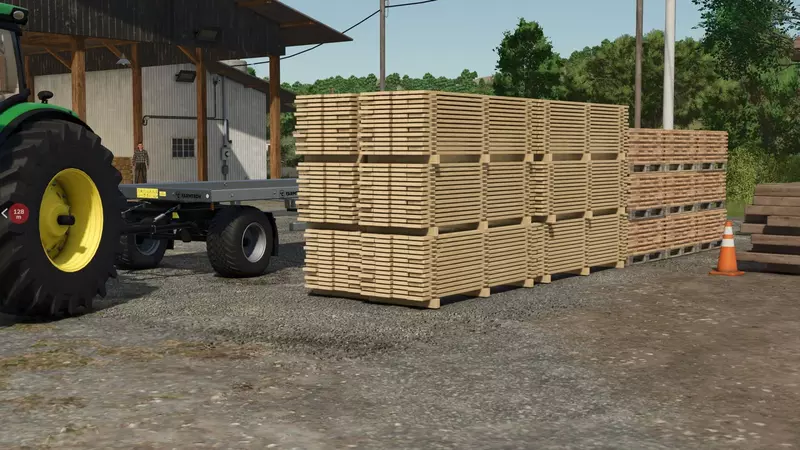
Universal Autoload
Development Release: Please test and provide bug reports or feedback.
New Features:
• Added log loading (without collision detection). Logs now take up less space due to a 'log factor'.
• Automatic detection of trailer loading zones in the shop.
• UI to adjust the size of loading zones before purchase.
• Supports all pallets, big-bags, bales, and logs by default.
• No external configuration files required!
Configuration Instructions:
• Use the middle mouse button in the shop to edit loading zones.
• Right-click and drag to move individual faces of the loading zone.
• ALT + right-click and drag to adjust opposing faces (useful for width).
• SHIFT + right-click and drag to move the entire zone.
• CTRL + any of the above for fine control.
• SHIFT + CTRL + middle mouse click to auto-calculate the zone.
Planned Features:
• Menu for global settings in the shop.
• Vehicle options configurable before purchase.
• Multiplayer synchronization of all settings.
• Debugging display for multiplayer.
Known Issues:
• Existing trailers on a savegame require a restart to enable autoload.
• Multiplayer requires a server restart for new trailers to configure correctly.
• Trigger detection of objects is poor in multiplayer.
For more details and updates, visit: GitHub Repository
Comments2
You must be logged in to comment.
Danke auch meinerseits. Bei Kurzholz (5m Stücke von langen Kiefern) mit Harvester zu Poltern gemacht, nimmt er nur die Spitze des Baumes mit Autoload, rest bleibt liegen (scheinbar erkennt er nur die Spitze des Baumes als Stamm ?
1. Mega Danke mir ist aber Folgendes aufgefallen Warning: Missing l10n 'input_UNIVERSALAUTOLOAD_SHOP_CONFIG' in mod 'FS25_UniversalAutoload'