1 / 5
Virus checked
v1.0.0.0 latest
Free Mod
Shader by CasiJR
–
Rating
0 Ratings
477
Downloads
0
Thanks
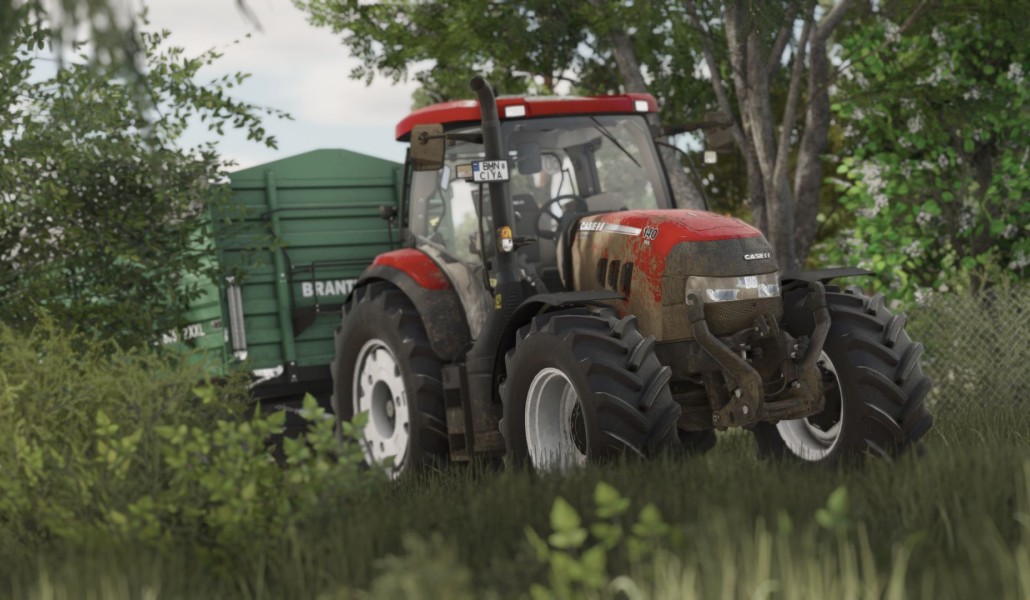
Welcome back to another shader release by CasiJR! Follow the instructions below to enhance your Farming Simulator experience:
1. Install the 'Additional Game Settings' mod.
2. Install Reshade and select Giants Engine 10.0.0 with DirectX10, 11, or 12. Ensure all effects are installed.
3. Navigate to Program Files (x86)/Steam/steamapps/common/Farming Simulator 25 and place 'Shader_3 by CasiJr.ini' into the x64 folder.
4. Launch the game, press the 'Home' button, and select 'Shader_3 by CasiJr.ini'.
5. In the 'Additional Settings' tab, set 'Custom lighting' to 'Sample', the first option after 'off'.
Required Mod: Additional Game Settings
Comments
You must be logged in to comment.
No comments yet.