1 / 6
Virus checked
v1.0 latest
Free Mod
Realistic Shader
–
Rating
0 Ratings
126
Downloads
2.5K
Views
0
Thanks
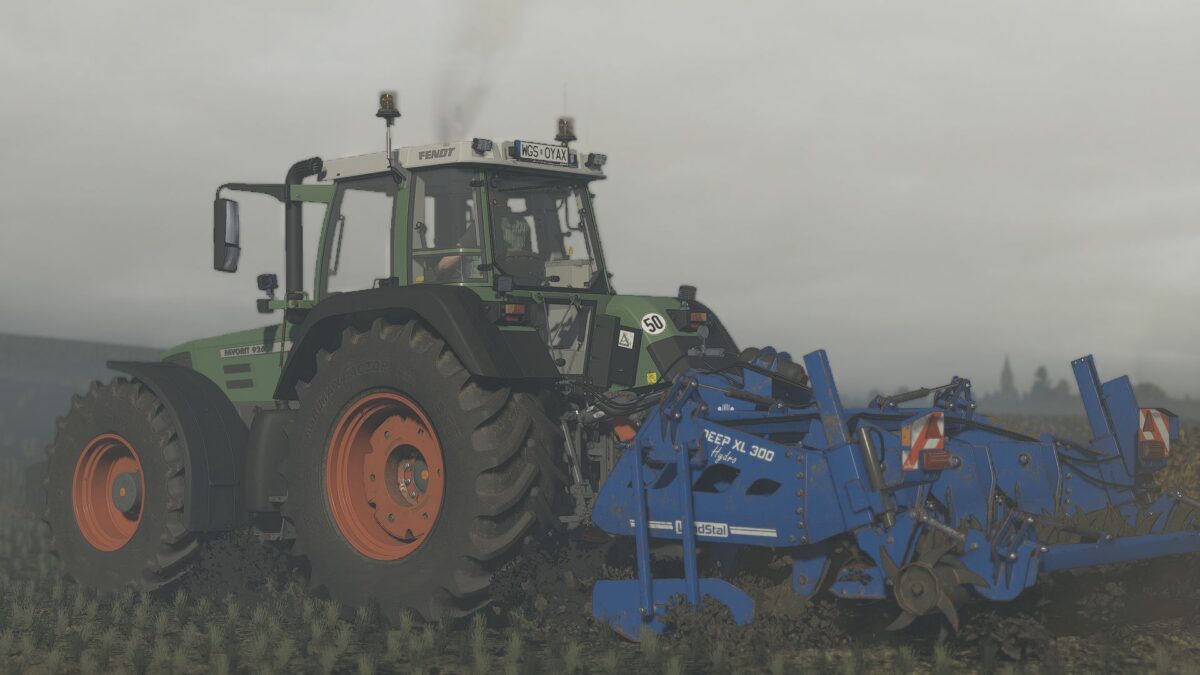
Enhance your Farming Simulator 25 experience with the MIKI Shader v4! This shader preset improves lighting, colors, contrast, and overall visual quality, maintaining a realistic appearance with excellent performance. All screenshots are taken directly in-game using this shader.
Installation:
1. Install ReShade 6.3.3.
2. Select Giants Engine 9.0.0.0 and DirectX 10/11/12.
3. Copy the included files into your Farming Simulator 25 folder.
4. Press Home in-game and select MIKI_SHADER_4.ini.
5. Choose your resolution in the Addons tab.
Comments
You must be logged in to comment.
No comments yet.