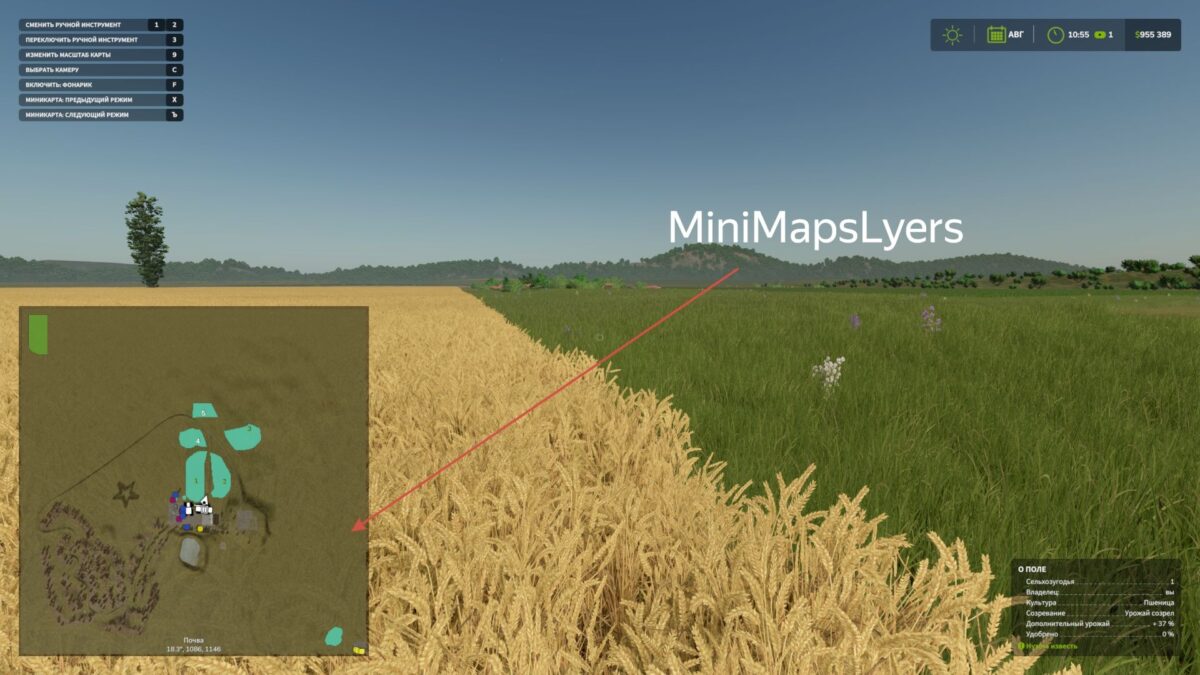
The Mini Map Layer mod introduces advanced mapping layers directly to your Farming Simulator 25 HUD minimap. Easily view crops, growth stages, and soil conditions while working in the field, without needing to open a PDA map.
Switch between minimap modes using hotkeys, which can be assigned in the control settings.
Default keys:
] = next layer, [ = previous layer.
alt+] = zoom in, alt+[ = zoom out
Version 1.0.5.0:
* Added a settings item for the mod, allowing configuration of separate soil layers for display.
* Enhanced compatibility with precision farming; precision agriculture layers can now be toggled on or off in the mod settings.
* Introduced Auto mode as a test feature, which attempts to detect your equipment and automatically selects the appropriate layer on the minimap. Note: Manual switching is disabled in auto mode.
Comments
You must be logged in to comment.
No comments yet.